
To list your inventory on Amazon, you need to add Magento Products to M2E Pro Listing. There are two ways of doing that manually – from Product List and from a particular Category.
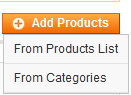
Add Products from List #
If you choose this option, you will see a list of products from your Magento catalog. Use filters within the grid to find the necessary products faster or try the Advanced Filter for more filter options.
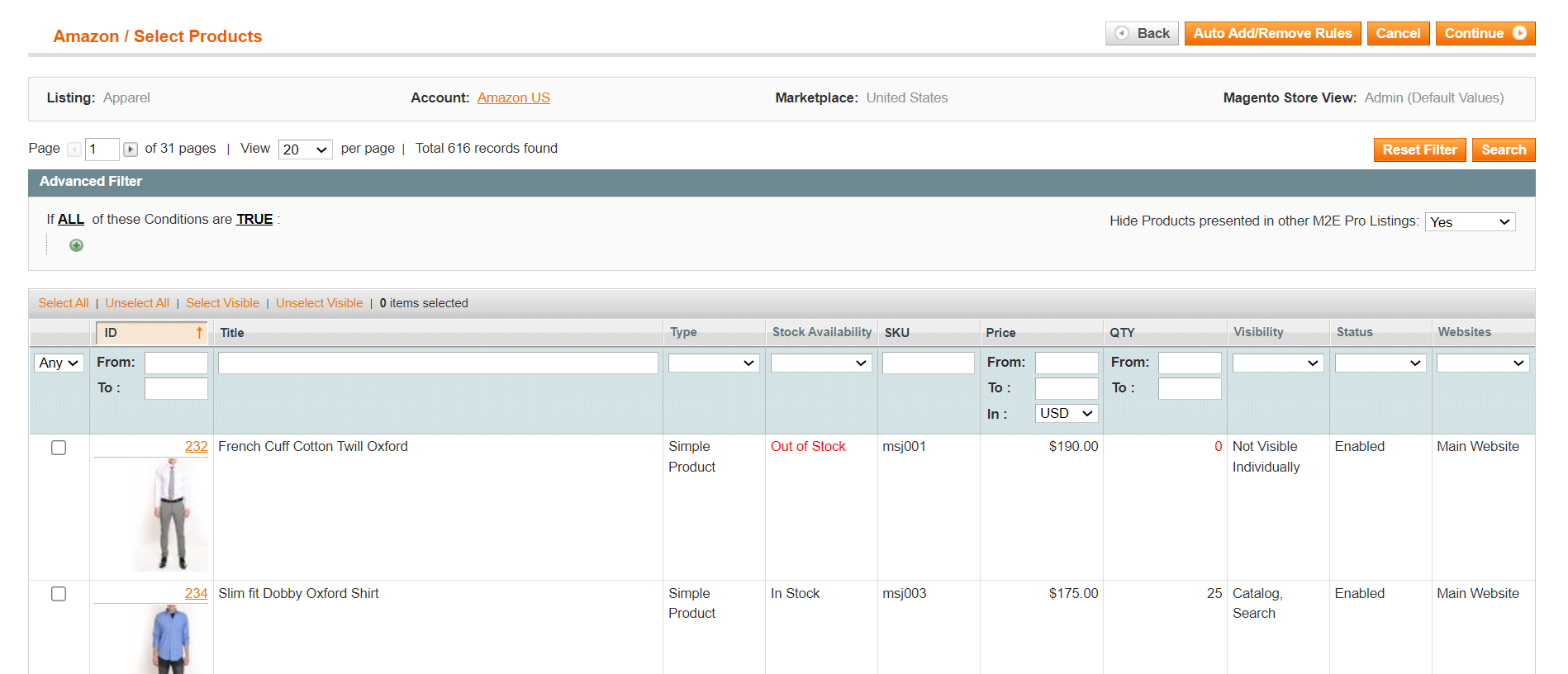
When adding Products from the List, there is a filter that allows you to show or hide products presented in other M2E Pro Listings. Use it to make the search for products more precise:

Once you have selected all the Products to be added, click Continue in the top right corner of the page.
Add Products from Category #
If you choose this option, you will see a Magento Category tree. This allows you to find products grouped by their category.

To view products available in a particular category, click on its name in the tree. To expand the category and view its sub-categories, click on the + icon.
You can select as many products from the category as you need and safely switch to another category. Your selection will be preserved and added to the running total at the top of the category tree.
The numbers in brackets next to the category name indicate how many products have been selected from the category.
For example, Cell Phones (3 of 8) implies that you have selected 3 products from a total of 8 products available in the Cell Phones category.

Once you have selected all the Products to be added, click Continue in the top right corner of the page.
✅ You can provide specific rules to automatically add or remove products to/from M2E Pro Listing. Check out this article for more details.
ℹ️ Once your Magento Products are added to M2E Pro Listing, the next step is to assign existing ASIN/ISBNs to them or configure the settings for new ASIN/ISBN creation. This article will guide you through the process.


