
With M2E Multichannel Connect, you can publish products from your Magento 1 store to TikTok Shop marketplaces in the UK, US, Europe, and Latin America. The integration keeps your product data, inventory, and orders synchronized in real time across both platforms.
Follow the steps below to set up your integration.
Basic requirements #
Before you begin, make sure the following are in place:
- The M2E Multichannel Connect extension is installed in your Magento 1 store.
- You have a TikTok Seller Center account and your TikTok Shop is already set up.
Step 1. Approve permissions #
Once the extension is installed, review and approve access permissions in your Magento 1 admin panel by clicking Confirm.
This authorization enables secure data exchange between M2E and TikTok Shop for products, inventory, and orders.

Step 2. Create or log in to your M2E account #
If you’re new to M2E, register via M2E Accounts using your business contact information.
Already have an account? Then log in with your existing credentials.

Step 3. Connect your TikTok Shop seller account #
In your M2E Dashboard, click Connect Marketplace Account and authorize M2E to access your TikTok Shop seller profile.
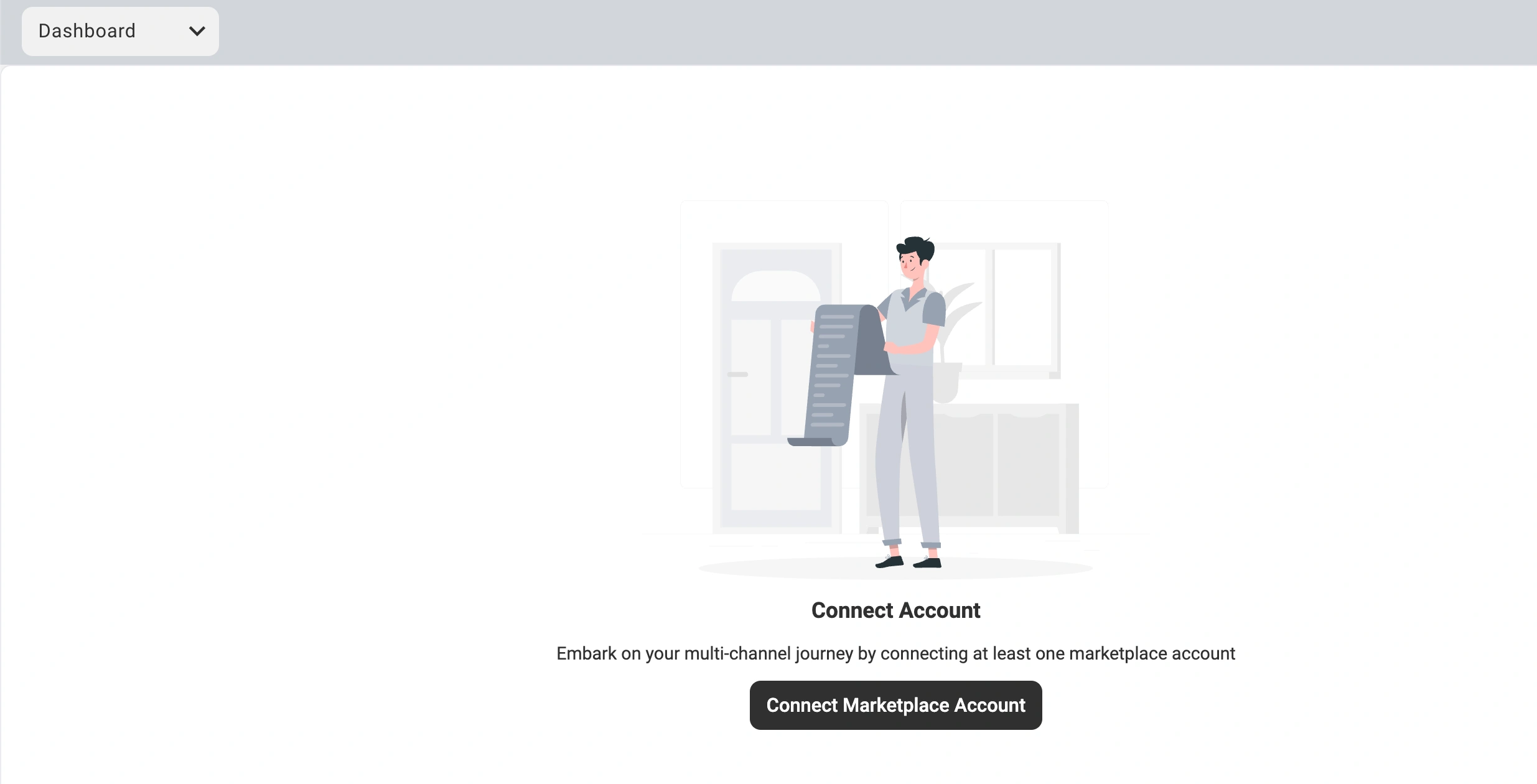
Once connected, you’ll see a Setup Guide checklist that outlines the steps needed to complete your integration.
Step 4. Complete the Setup Guide #
Follow the guided steps to finish setting up your integration:
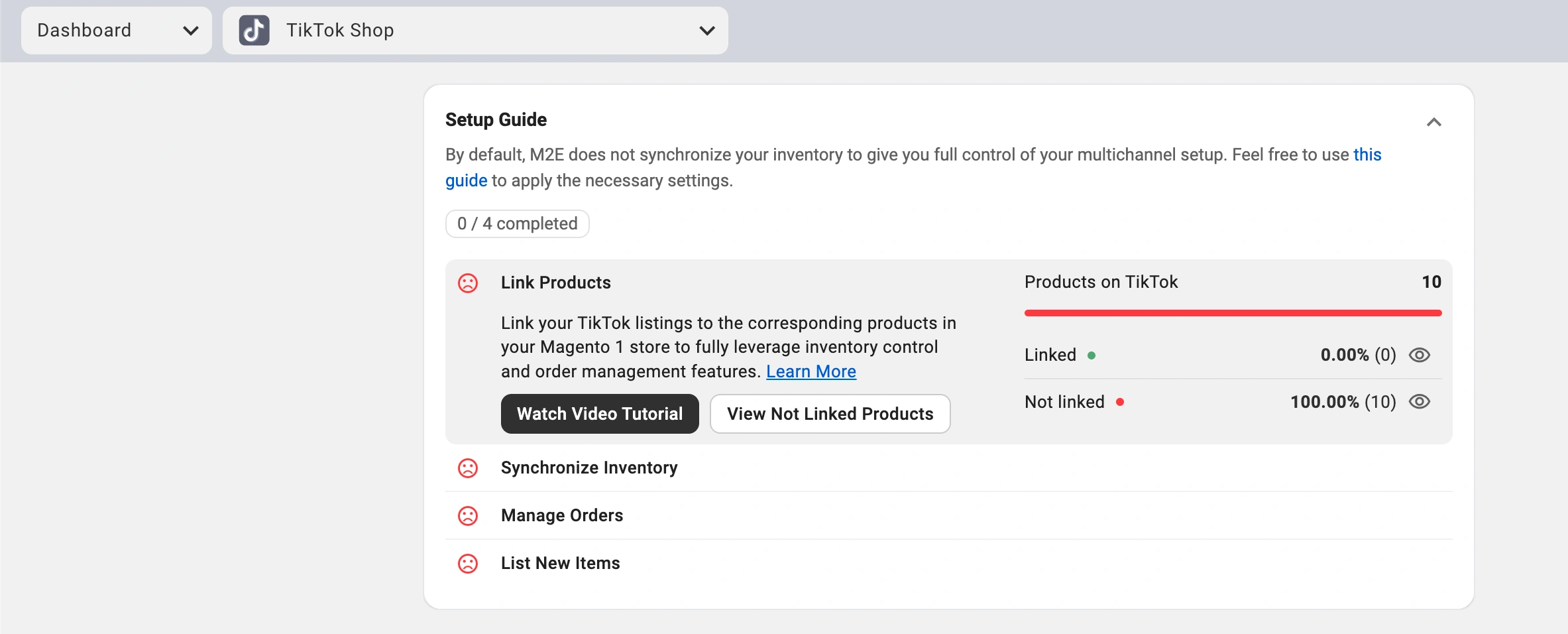
- Link products: Match your existing TikTok Shop listings with corresponding Magento products.
- Enable inventory sync: Allow M2E to automatically update TikTok Shop listings with your Magento product data.
- Activate order sync: Import orders from TikTok Shop into Magento 1 for centralized management.
- Start listing: Publish your Magento products to the TikTok Shop marketplace.
All Set! Your Magento 1 store is now connected to TikTok Shop. Products are linked, real-time inventory updates are active, and new orders flow directly into your Magento dashboard.
M2E Multichannel Connect handles all synchronization and automation behind the scenes, so you can focus on scaling your brand and driving more sales.


