
General #
Activity logs allow you to keep track of the events and actions related to M2E Pro Listing, Order management, synchronization running, and to troubleshoot the issues if any occur.
You can access the logs by navigating to Amazon > Logs & Events. Please switch between the tabs to check the relevant records. Each log record shows the date/time when the action/event occurred, action/event description, which Listing and Product was impacted by the action/event, whether the action/event was run automatically or manually, etc.
You may see the following types of notification messages:
- Notice - informs about the action that occurred.
- Success - confirms that the action was completed successfully.
- Warning - alerts about possible/encountered problems during an action. Warnings do not prevent the action from being completed.
- Error - alerts about problems that occurred during the action. Errors prevent the action from being completed.
Let's take a closer look at the activity logs.
M2E Pro Listing logs #
M2E Pro Listing log keeps the records of what changed in product data, the success of run actions, updating of Magento Product and Amazon Item statuses, warnings/errors returned by Amazon API, etc.
You can review the records related to a certain action. For example, to see what changes were made to the products via M2E Pro, you need to select Revise Item on Channel. The Item updates made directly on the Channel can be listed by selecting External Change.
ℹ️ In the Listing column, click on the Product`s name to be redirected to the Listing filtered by this precise Item. This way you can quickly view and manage Item details.
⚠️ External Change filter option shows product changes made directly in your Amazon Seller Central. The Extension does not initiate these changes. It only records them to product logs.
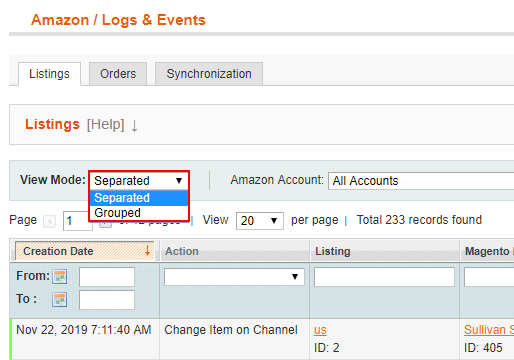
You can choose between several View Modes of Listing Logs displaying.
If you want to group the records in the Log by the action executed, you should select a Grouped Mode. Or you can select Separated View Mode to gather and check records individually.
Order logs #
The Order log lets you keep track of what Magento orders, shipments, or invoices were created for the corresponding Amazon orders.
✅ Use the Filter and Sort functionality at the top of the grid to make your search reasonable.
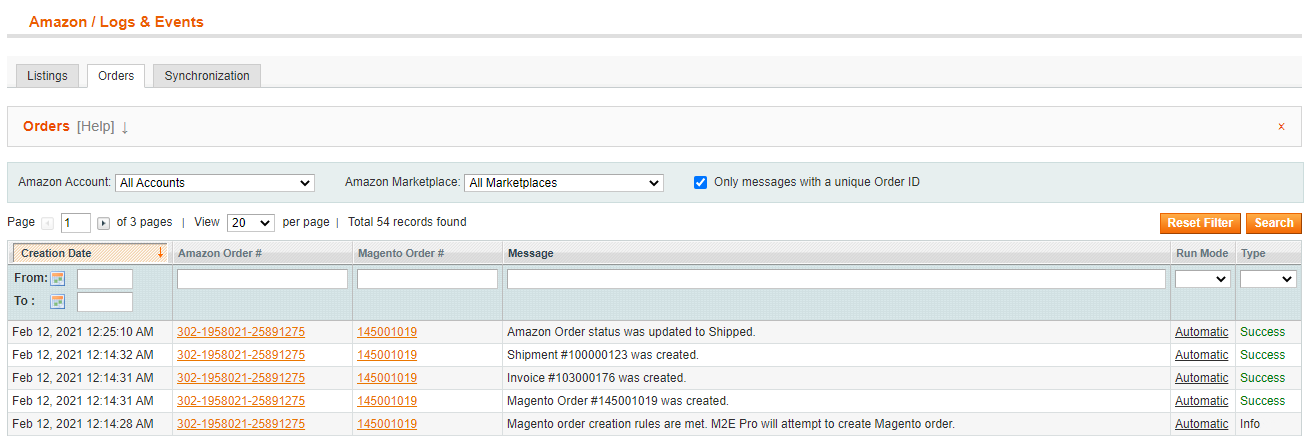
⚠️ If you create a Magento order manually (via the Create Order button on the Order Details page), and the order meets the conditions for creating a Magento invoice and shipment as well, these three actions will be executed at once. In Order logs, they will be recorded as manual ones.
Log filters #
Within the Listing and Order log tab, there is a checkbox “Only messages with unique Product ID/Order ID” respectively. It allows you to filter the Listing and Order logs by unique Order/Product ID and description.

If the filter box is checked, the message with the same contents for the same Order/Product ID will be shown once. The number next to the message indicates how many times this type of message appears for your product/order. In this case, the date of the most recent message is displayed as the creation date.
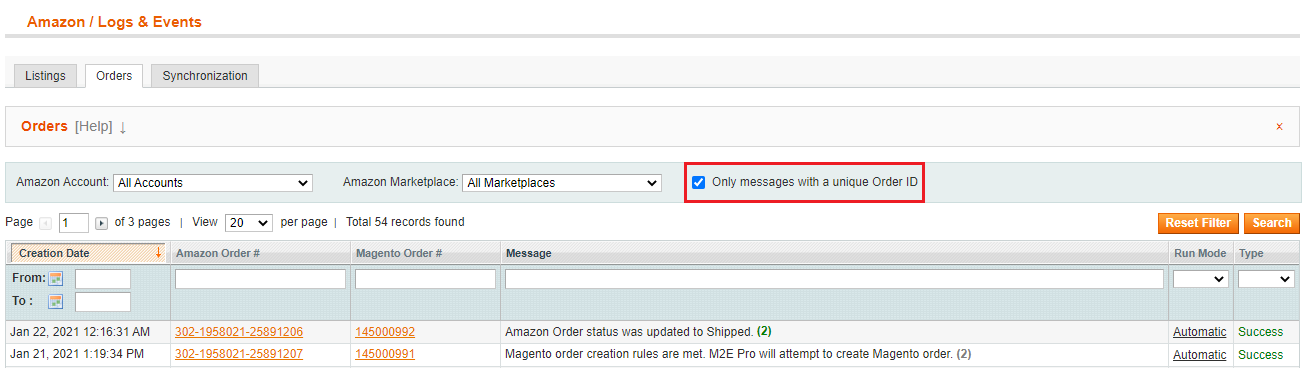
Uncheck the box if you want to see the entire list of Order or Listing logs.
⚠️ The Product ID filter is visible only in the Separated View Mode.
Synchronization logs #
The Synchronization log warns you about issues that occurred during M2E Pro Listing, Unmanaged Listing, Order, Marketplace, Repricing Tool, etc. synchronization.
Also, in the grid, you will see logs about System errors and Fatal exception errors if any occur.
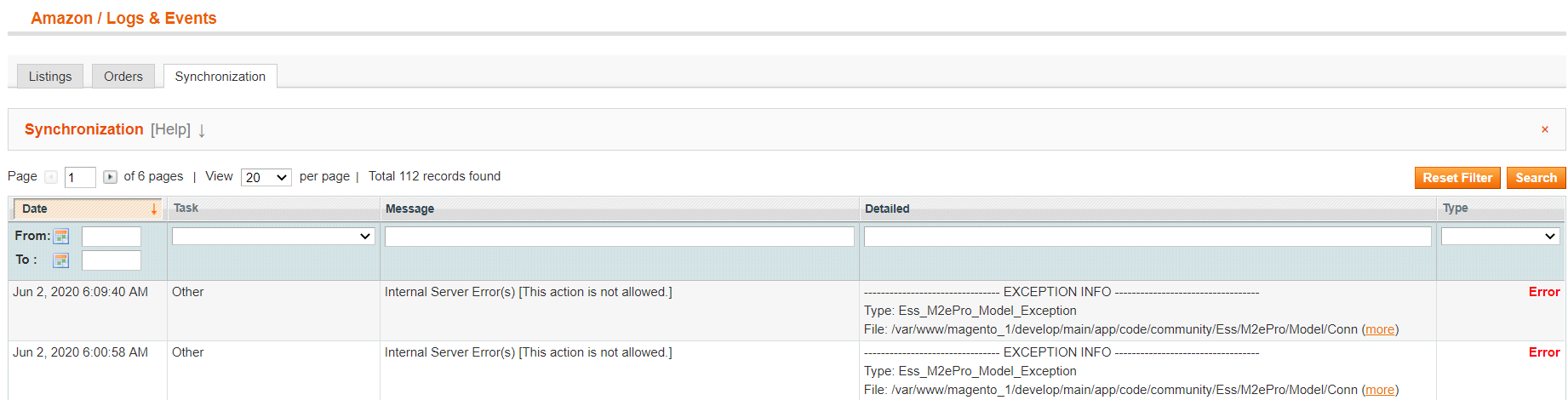
Click More to see the full error description.


