
Under this tab, you can provide the general settings for your M2E Pro Amazon Account and grant M2E Pro access to your Amazon data.
⚠️ A separate account must be configured in M2E Pro for every Amazon marketplace you sell on. It is required to set up inventory and order synchronization between Extension and appropriate marketplace.
Please proceed with the following steps:
1) Specify an Account Title (it is for your internal use only).
2) Select an Amazon Marketplace you want to sell on.

✅ A Marketplace becomes available for the selection only after you enable it under Amazon > Configuration > Marketplaces.
1) Once done, click Continue.
2) You will be redirected to Amazon Seller Central. Please enter your credentials and click Sign In.

3) Confirm you allow M2E Pro to access your Amazon selling account.
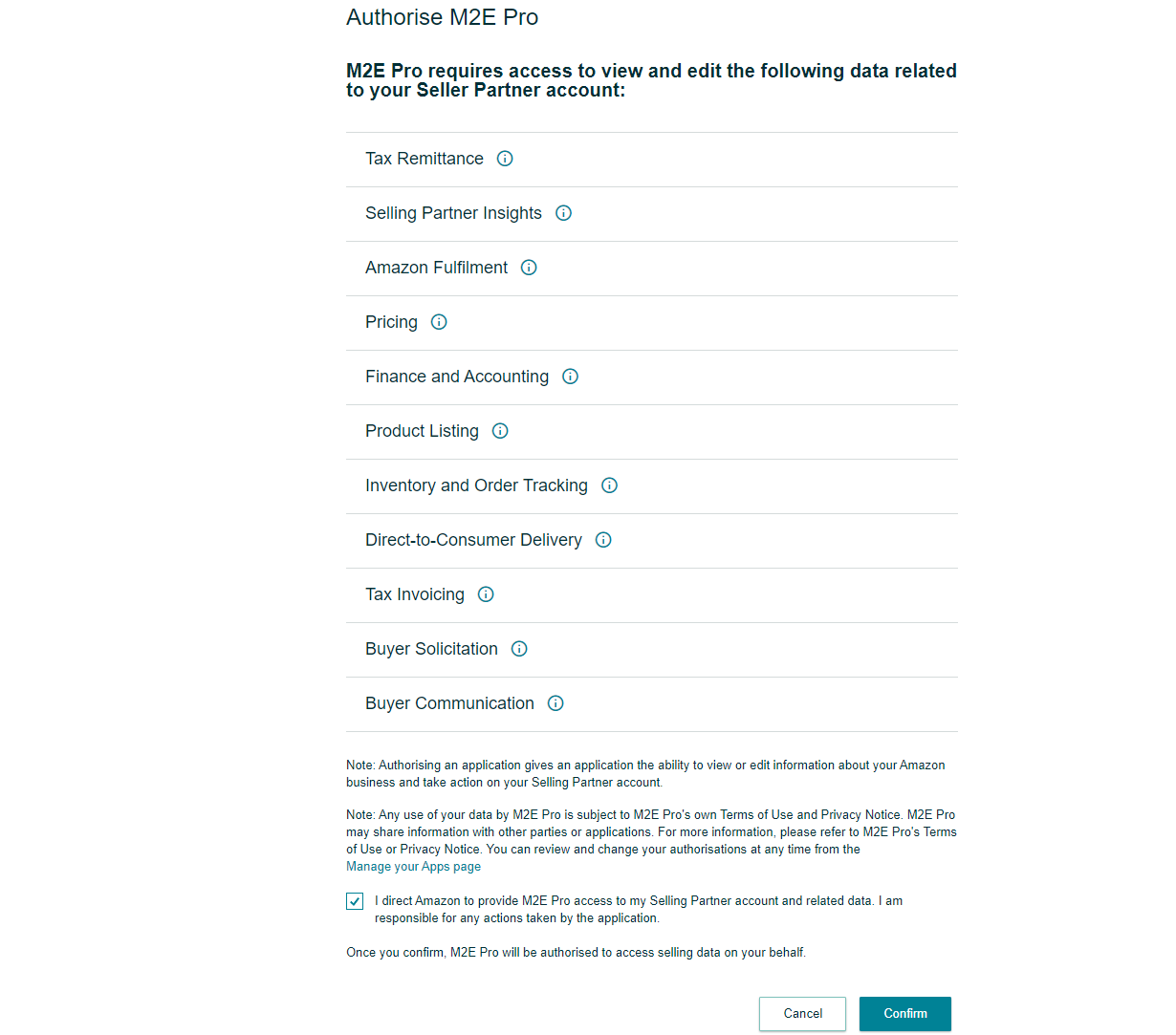
4) Once done, you will be redirected back to M2E Pro.

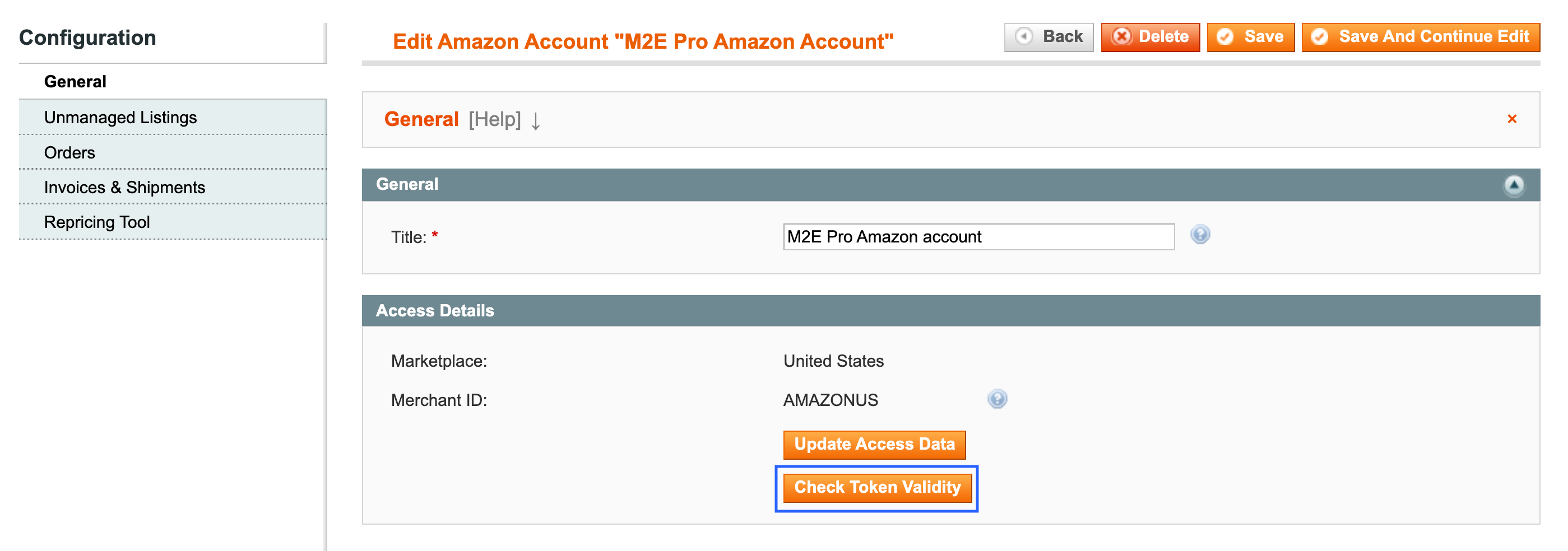
✅ Whenever you update the SP-API auth token, you can click the Check Token Validity button to see if the token update was successful or you need to re-get it.
Once the general settings are provided, proceed to the next step. You can set your preferences for:


