
With M2E Multichannel Connect, you can link your Magento 1 store to the OnBuy marketplace. The extension lets you manage your sales operations related to listings, inventory, and orders in one place to save time and reduce manual work.
Follow the steps below to set up your integration.
Before you start #
Make sure your setup meets these requirements:
- The M2E Multichannel Connect extension is installed in your Magento 1 store.
- You have registered an account on the OnBuy Seller Portal.
Step 1. Grant permissions #
After installation, review and approve all required permissions in your Magento 1 admin. Click Confirm to enable M2E to exchange product, stock, and order data securely between Magento and OnBuy.

Step 2. Create or log in to your M2E account #
If you’re new to M2E, sign up via M2E Accounts using your business information.
If you already have an M2E account, log in with your existing credentials.

Step 3. Connect your OnBuy seller account #
Open your M2E Dashboard and click Connect Marketplace Account. When prompted, confirm access to your OnBuy Seller Portal account.
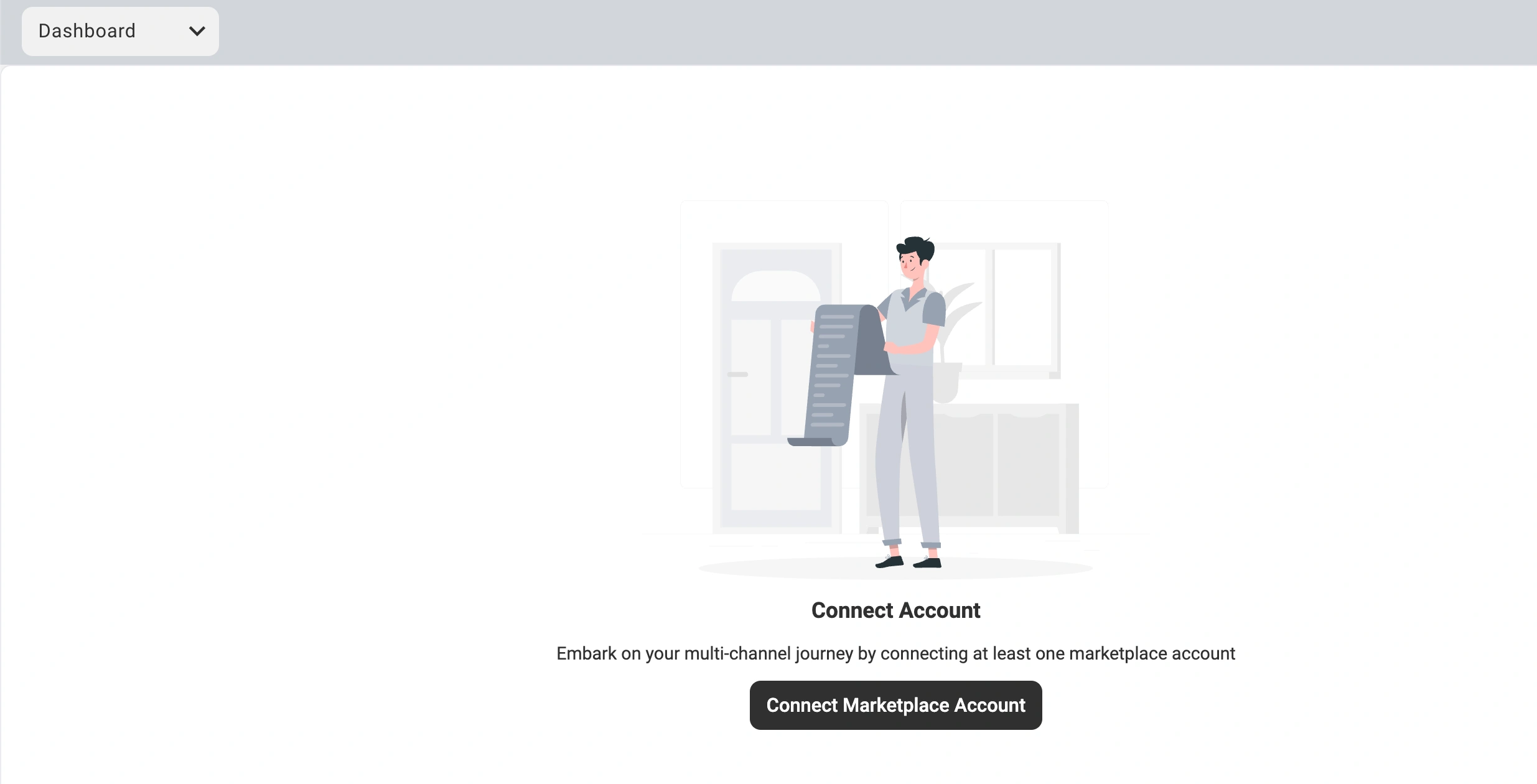
After authorization, a Setup Guide will appear, walking you through the remaining configuration steps.
Step 4. Complete the Setup Guide #
Follow the on-screen guide to finish integrating OnBuy with your Magento store:
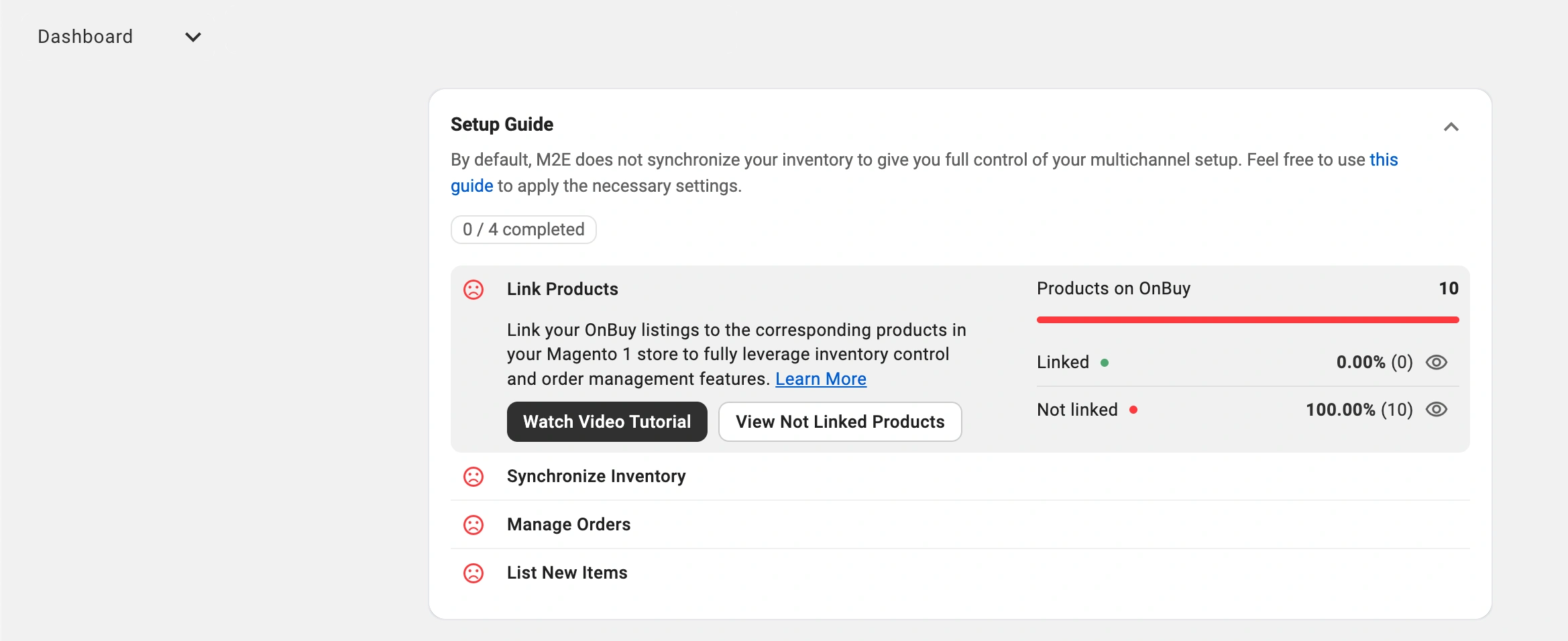
- Link listings: Match your existing OnBuy listings with products from your Magento catalog.
- Enable inventory sync: Keep product information and stock levels automatically updated between Magento and OnBuy.
- Activate order sync: Import orders from OnBuy directly into your Magento 1 store for easy management.
- Start listing: List your Magento products on the OnBuy marketplace.
That’s it! Your Magento 1 store is now connected to OnBuy.
M2E Multichannel Connect takes care of all background operations, giving you more time to focus on optimizing your listings, fulfilling orders, and growing your OnBuy sales.


